Creating a productive home office environment is essential for anyone working remotely or running a business from home. A well-planned workspace helps you focus, reduces distractions, and supports wellbeing. Whether you’re new to working from home or looking to improve your existing setup, these practical tips will guide you toward an efficient and enjoyable office space.
Choose the Right Location
Selecting the ideal spot for your home office is the foundation of productivity. Here’s what to consider:
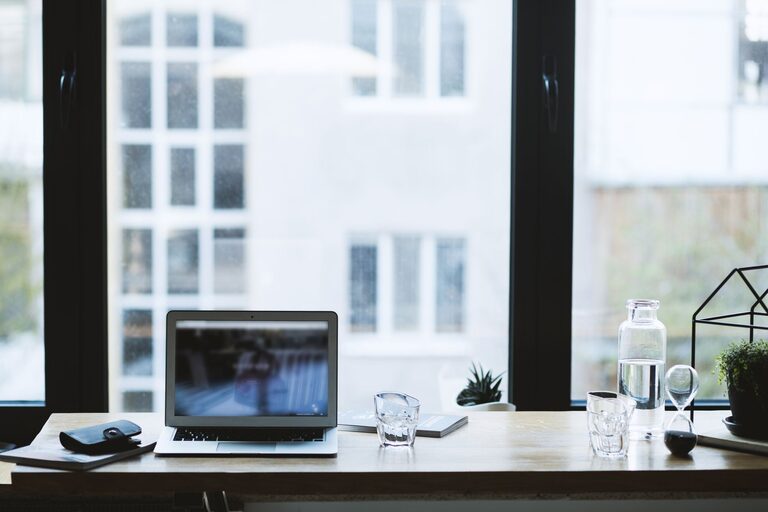
– Natural Light: Position your desk near a window if possible. Natural light can improve mood and reduce eye strain.
– Quiet Area: Find a space with minimal noise and interruptions, away from busy family areas.
– Sufficient Space: Ensure there is enough room not just for your desk and chair, but also for storage and movement.
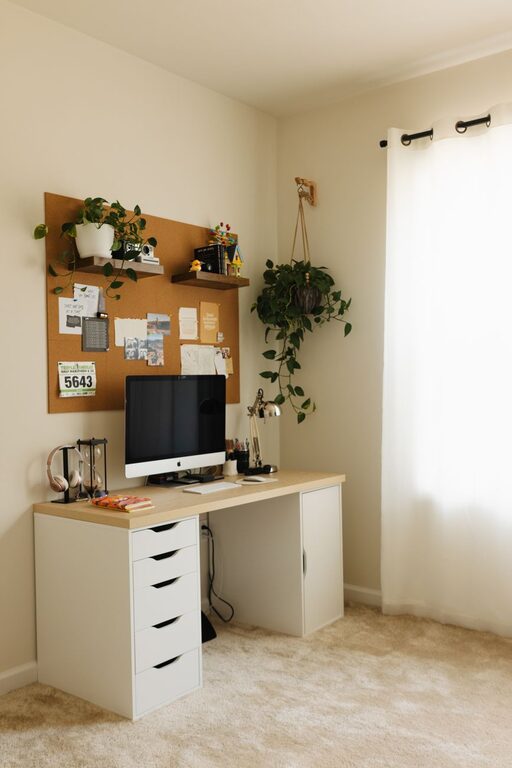
If space is limited, even a small corner can be transformed into an effective workspace with the right organisation.
Invest in Comfortable and Ergonomic Furniture
Spending many hours working means your comfort should be a priority.
– Ergonomic Chair: Choose a chair that supports your back and encourages good posture.
– Adjustable Desk: A desk at the correct height reduces strain on your neck and shoulders. Consider sit-stand desks for flexibility.
– Monitor Position: Keep your screen at eye level and about arm’s length away to avoid neck pain.
Taking care to arrange furniture ergonomically can prevent discomfort and increase work stamina.
Keep Your Workspace Organised
A cluttered desk can cause distractions and reduce efficiency. Try these tips:
– Declutter Regularly: Clear your desk of unnecessary items at the end of each day.
– Storage Solutions: Use shelves, filing cabinets, or desk organisers to keep documents and stationery tidy.
– Cable Management: Tame cords with clips or sleeves to keep cables out of sight.
An organised space makes it easier to stay focused and locate what you need quickly.
Optimise Lighting
Good lighting is vital to avoid eye strain and maintain alertness.
– Combine Lighting Sources: Use a mix of natural light, an overhead light, and a desk lamp.
– Avoid Glare: Position your screen to prevent glare from windows or lights.
– Choose the Right Bulbs: Daylight bulbs are ideal for mimicking natural light and maintaining energy.
Proper illumination supports comfort and reduces fatigue.
Minimise Distractions
Working from home presents unique challenges. Here’s how to stay on track:
– Set Boundaries: Inform others in your home of your working hours.
– Use Headphones: Noise-cancelling headphones can help block out background noise.
– Limit Digital Interruptions: Turn off non-essential notifications and designate times to check email and messages.
Creating a focused environment helps you maintain productivity throughout the day.
Personalise Your Space
Adding personal touches can make your home office pleasant and motivating.
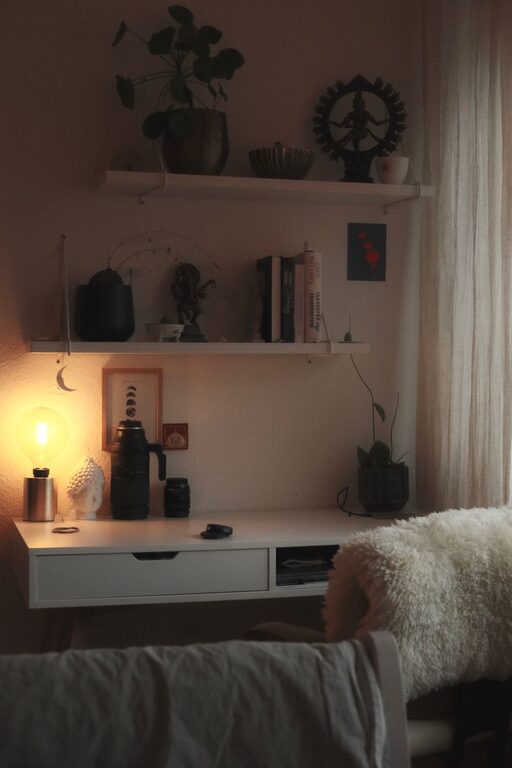
– Plants: Indoor plants improve air quality and create a calming atmosphere.
– Artwork or Photos: Display items that inspire or make you happy.
– Comfort Items: A cushion, footrest or a favourite mug can add warmth without cluttering.
Balance personalisation with practicality to avoid distractions.
Maintain Good Air Quality and Temperature
Comfortable air and temperature affect concentration and health.
– Ventilation: Open windows regularly or use an air purifier.
– Temperature Control: Maintain a temperature between 18-22°C (64-72°F) for optimal comfort.
– Humidity: A moderate humidity level can prevent dryness and irritation.
A comfortable climate helps you stay alert and comfortable for longer.
Plan Breaks and Movement
Inactivity can reduce productivity and harm health.
– Regular Breaks: Follow the 20-20-20 rule – every 20 minutes, look 20 feet away for 20 seconds.
– Stretch: Take brief standing breaks to stretch or walk.
– Exercise: Incorporate short exercise sessions into your day to refresh your mind.
A balance of focused work and breaks keeps energy levels high.
Use Technology Wisely
The right tools can streamline your work without adding complexity.
– Organisational Apps: Use calendars, task managers, or note-taking apps to stay organised.
– Reliable Equipment: Invest in a dependable computer, fast internet, and peripherals like a good keyboard and mouse.
– Backup Systems: Use cloud storage or external drives to protect your data.
Choosing appropriate technology supports efficiency and reduces frustrations.
Final Thoughts
Designing a productive home office doesn’t require a complete overhaul. Small, intentional changes can make a significant difference in comfort and focus. By selecting the right location, investing in ergonomic furniture, organising your space, and maintaining good habits, you can create an environment where you work effectively and enjoyably. Remember, the key is to make your workspace suit your unique needs and preferences. Happy working from home!